Is SKIPS user friendly?
Yes. SKIPS onboarding is designed so users can jump in and start quickly.
- Guided workflows walk you step-by-step through each process.
- Review screens let you edit at any point.
- A right-side progress menu highlights completed sections for fast navigation.
- A Progress Bar shows where you are in the planning process.
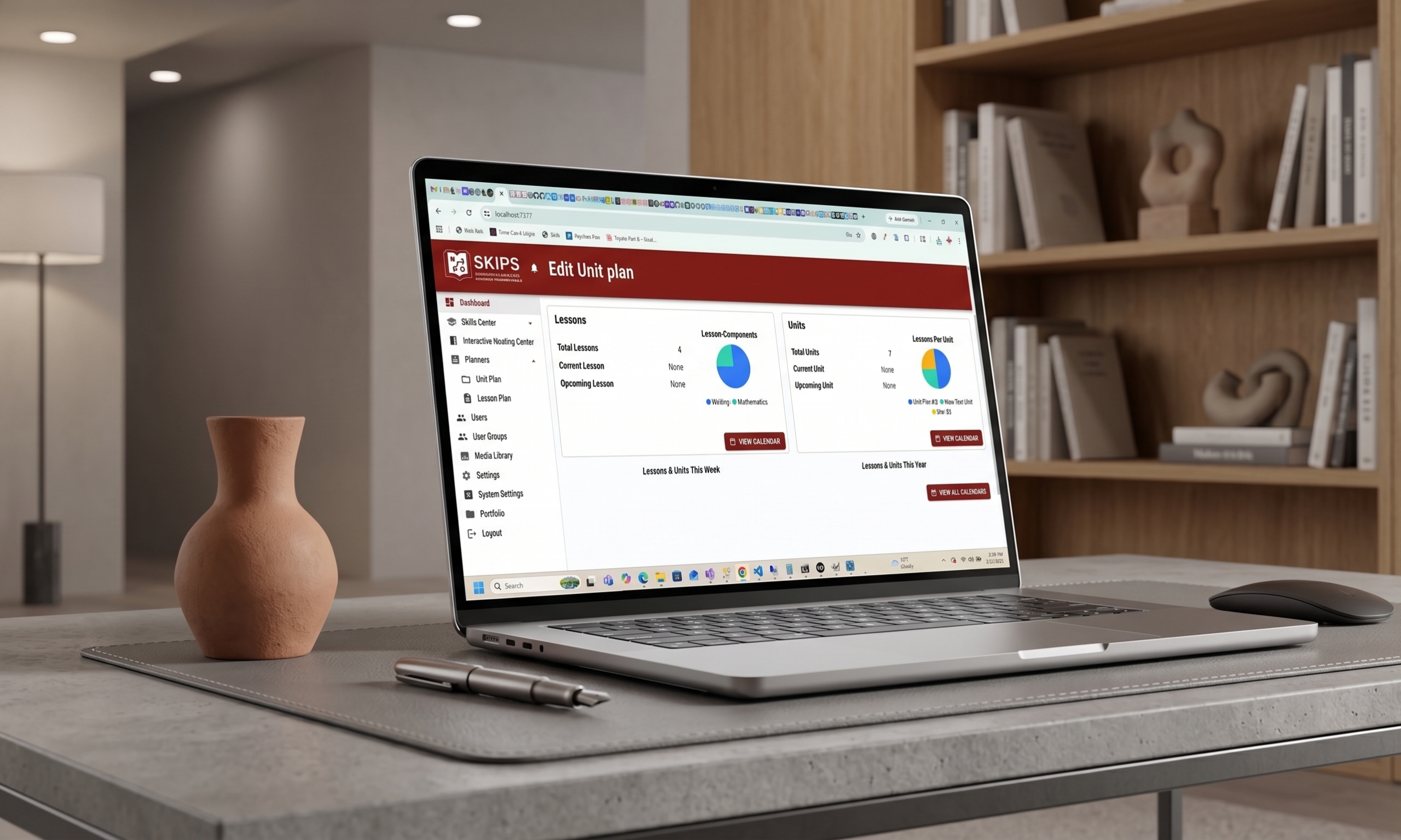
- The Calendar view gives at-a-glance access to plans with one-click entry.
- Clean, organized layouts make information easy to read.
- AI-informed inputs generate immediate, editable outputs.
How does SKIPS help with new students entering during the school year?
SKIPS makes it easy to bring new students up to speed without starting from scratch.
- Reuse previous plans as review or onboarding content.
- Access the Media Library for prior assignments and resources.
- Create student task folders to bridge past learning with current content.
- Build a yearly curriculum map prior to new school year and upload activities for quick access.
How can SKIPS help me save time in my planning?
SKIPS is built to reduce planning time while improving quality.
- AI-informed activities streamline menu selections.
- Semester or year-long plans can be created in a single day.
- Weekly or monthly planning can often be completed in half a day or less.
- Editing any plan typically takes under five minutes.
What resources are readily available for executing my plans?
SKIPS keeps your tools in one place.
- Cultural setting options support site arrangement and climate.
- SKIPS AI-Coach is available for individuals and or group meetings.
- Media Library stores files from planning tools, easy access for reuse or referencing
How does SKIPS help with documenting my responsibilities?
SKIPS supports clear, real-time documentation.
- The dashboard displays planning activity as it happens.
- Meeting transcripts capture collaboration and decisions.
- Planning tools help users track subject matter workflow.
Can I access the SKIPS Meeting Center outside the school day?
Yes.
- You can schedule a meeting anytime to access SKIPS AI-Coach.
- You can host virtual or phone-based meetings with team members beyond the school day
Can SKIPS help with behaviors disrupting teaching and learning?
Yes. SKIPS supports behavior and classroom management.
- Schedule AI-Coach sessions during the day for strategies and suggestions.
- Build a transcript library of behavior-support tips.
- Use culture indicators to support classroom arrangement and management.
Is SKIPS easy to use for Professional Learning Community (PLC) meetings?
Yes. SKIPS fits naturally into PLC structures.
- Facilitators can create agendas and send automatic notifications.
- Notes appear in an easy-to-read format for quick transcript creation.
- AI-informed topics and context support focused, purposeful discussions.
Does SKIPS support least restrictive environment (LRE) settings?
Yes.
- Planning tools target high-cognitive-load concepts so they’re easier to manage.
- SKIPS supports individualized student needs within inclusive settings.
How does the learning assessment affect my teaching?
SKIPS uses assessment to inform instruction, not just to score it.
- It is based on a three-tier skill continuum: novice, intermediate, mastery.
- It uses real-world questions and scenarios to guide instructional decisions and next steps.
How and when can I access SKIPS AI-Coach?
- SKIPS AI-Coach is in the Interactive Meeting Center and is accessed by creating a meeting.
- It is available during collaboration time and before or after the school day.
How do I use the learning objectives in my Professional Development Plan?
Learning objectives are integrated across your growth tools.
- They appear in your Professional Development Plan, Performance Plan, and collaboration spaces.
- A reflection text box is available for documenting insights, progress, and next steps.
Does SKIPS AI-Coach keep a record of our meetings?
Yes.
- You can build a subject matter expert library from AI-Coach transcripts and revisit them anytime.
How do shared plans support dialogue with my team?
Shared plans make collaboration concrete and focused.
- Provide immediate feedback for reflection and adjustment.
- Enable real-time data analysis of student performance and instruction.
- Reveal trends in teaching and skill development over time.
Is SKIPS grounded in theories or subject matter expert material?
Yes.
- SKIPS is built on evidence-based frameworks and subject matter expert sources.
How can I download SKIPS?
First you will need to purchase a subscription, afterwards you can download the the zip file containing SKIPS on your account page. You can get to the download page on your account here.
How do I install SKIPS?
After you purchase your subscription and download SKIPS.zip, you will need to extract it. After that, in the root of the extracted folder you will find Readme.pdf. Readme.pdf will give detailed instructions on how to set up SKIPS for your organization.
How can I get my license key?
Once you have an active subscription, you will find your license key on your account page. You can get to your license key here.
What are the server requirements to host SKIPS?
SKIPS is incredibly flexible. You can host it on a local school server or in the cloud (like AWS, Azure, or DigitalOcean), it only requires a web server capable of running modern .NET applications (Windows/IIS or Linux) and a standard SQL Server database.
How do software updates work? Do I have to reinstall it?
Not at all! SKIPS features a built-in auto-updater. When a new version is released, your system administrator can update the entire platform directly from the system with a single click.
Is our school’s data secure and private?
Yes. Because SKIPS is 100% self-hosted on your own infrastructure, you own your data. Unit plans, lesson plans, and performance metrics never leave your servers, making it incredibly easy to comply with FERPA and local privacy regulations.
Does SKIPS integrate with remote learning tools?
Yes, SKIPS has built-in integration with Zoom. You can easily connect your organization’s Zoom Account (both Free and Pro tiers are supported) directly in the System Settings to streamline virtual lessons and meetings.
Is this for K-12 education or corporate business training?
Both! SKIPS allows you to define your “Community Type” as either Education or Business during setup, tailoring the experience to fit exactly how your organization plans and tracks performance.
Do we pay per teacher, per student, or per server?
One license covers your entire organization, as a result you get an unlimited number of users with your SKIPS subscription.
What happens if our subscription expires?
If you choose to cancel, your system will remain fully functional until the end of your current billing cycle. Once the cycle ends (or if a subscription expires due to non-payment), the SKIPS application Locks and users will no longer be able to log in.