Users begin with a multiple-choice learning assessment grounded in real classroom or workplace scenarios.
Each response aligns to a standards-based competency continuum—Novice → Intermediate → Mastery—providing an authentic measure of current skill performance.
Professional Development Learning Objectives Plan
Assessment results automatically generate a personalized professional development plan.
Learning objectives are organized into knowledge skills and action skills, forming the user’s blueprint for skill updating.
Data visualizations categorize results into four performance groups, helping users clearly identify strengths and targeted growth areas.
Performance Plan
The Performance Plan serves as the data hub for all planning activities.
Users create two short-term goals for both fall and spring, guided by a structured data analysis process.
Visual data displays make it easy for users to interpret results and build meaningful, achievable goals for the year.
Planners
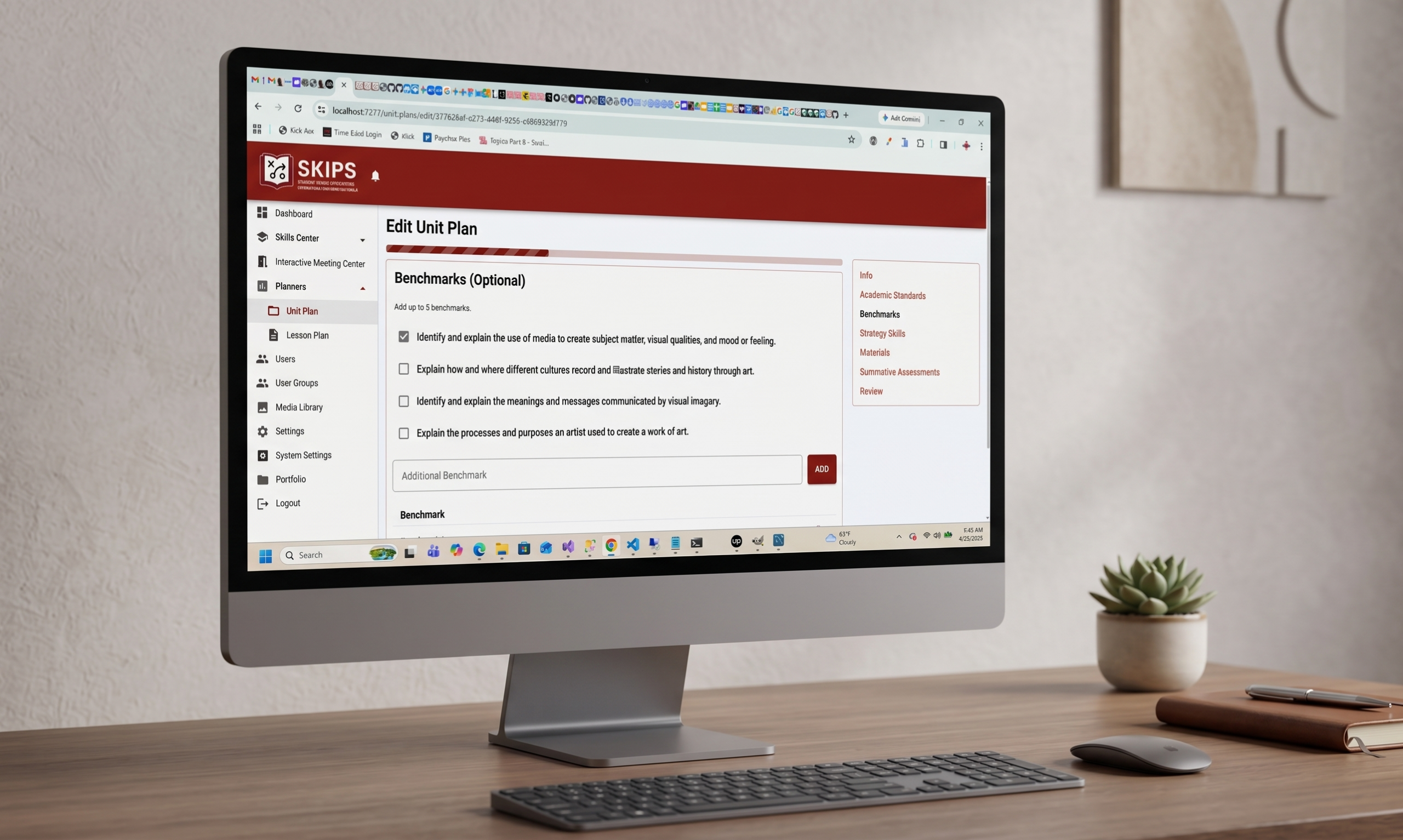
AI-informed prompts guide users’ step-by-step through the task-planning process. Each selection builds on the previous one until the plan is fully developed.
Users create two plans:
The Driver Plan – the primary plan that anchors the year’s workflow.
Supporting Plans – complementary plans, reinforcing the driver plan.
Together, these plans establish a clear roadmap for executing content, processes, and workflow tracking.
Editing tools allow users to revise plans at any time.
Calendar & Navigation
A built-in calendar provides monthly and weekly previews of planning activity.
Color-coded bands allow users to click directly into their plans for quick review or editing.
Media Library
Users can upload files directly into planner tools.
All uploaded content—job aids, supplemental materials, project documents, assessments—becomes part of an organized, reusable media library.
Interactive Meeting Center
Users create structured meeting agendas with designated facilitator and attendee roles.
AI-informed topics ensure discussions remain focused on relevant content and aligned with learning objectives.
The SKIPS AI-Coach supports both individual and group collaboration, offering real-time guidance and subject matter insights.
A Talent Snapshot tool allows supervisors to share observation notes aligned to users’ task execution and performance expectations.
Meeting Archives
All agendas and meeting artifacts become part of a searchable library of:
Subject matter expert content
Key performance indicators
Skill-sharing insights
Data analytics
This archive supports continuous learning, reflection, and performance growth.